Picking a professional network in 2026 is a real decision. The wrong one wastes hours of your week and shapes the opportunities you see. The right one disappears into the background and just keeps your career moving. Below is a straight comparison of Connecting Odds against every network and job platform we get asked about most often.
Most professional networks stop at the message. You send "let's grab 20 minutes", then bounce out to Calendly, Google Calendar, Zoom, and email to actually make it happen. Connecting Odds handles the whole thing in one place, pick a connection, pick a time, pick voice or video, and both calendars update. No third-party links, no timezone math, no chasing an RSVP through a separate inbox.
Every meeting scheduled through the app shows up here, synced in real time across tabs.
Voice + video built in
Calls happen with connections you already trust, no external meeting link required.
Reminders that respect you
Branded email + in-app nudges you can mute per conversation. No spam, ever.
Recruiters and hiring managers get the same flow for interview scheduling: pick the candidate by username, set duration and format, and we handle the ICS invite, timezone labels, and conflict detection. If your chosen slot overlaps another meeting, we suggest two or three alternatives that are actually free, with the reason each one works.
Feature by feature
One table, honest answers
We picked the tools recruiters actually stitch together to run hiring, the network, the video, the booking link, the calendar. Here's how they line up on the parts that determine whether a meeting happens or a candidate drops off.
Feature
Connecting Odds
LinkedIn Recruiter
Zoom Pro
Calendly Teams
Google Calendar
Book a meeting by username, no external link
Link only
Voice + video calls with your connections
Built-in
InMail only
Conflict detection + alternative slot suggestions
Basic
Real-time calendar sync across open tabs
Timezone-correct ICS with DST-aware labels
Branded email + in-app notifications
Email only
Email only
Email only
Email only
Per-conversation mute + granular controls
Limited
Missed-call, reschedule, cancel alerts
Partial
Partial
Partial
Monthly cost per recruiter seat
$0
$170
$15
$16
$6
Prices are per-seat monthly list prices in USD, verified July 2026 from each vendor's public pricing page: LinkedIn Recruiter Lite, Zoom Pro, Calendly Teams, Google Workspace Business Starter. Your negotiated rate may differ.
What recruiters used to pay for
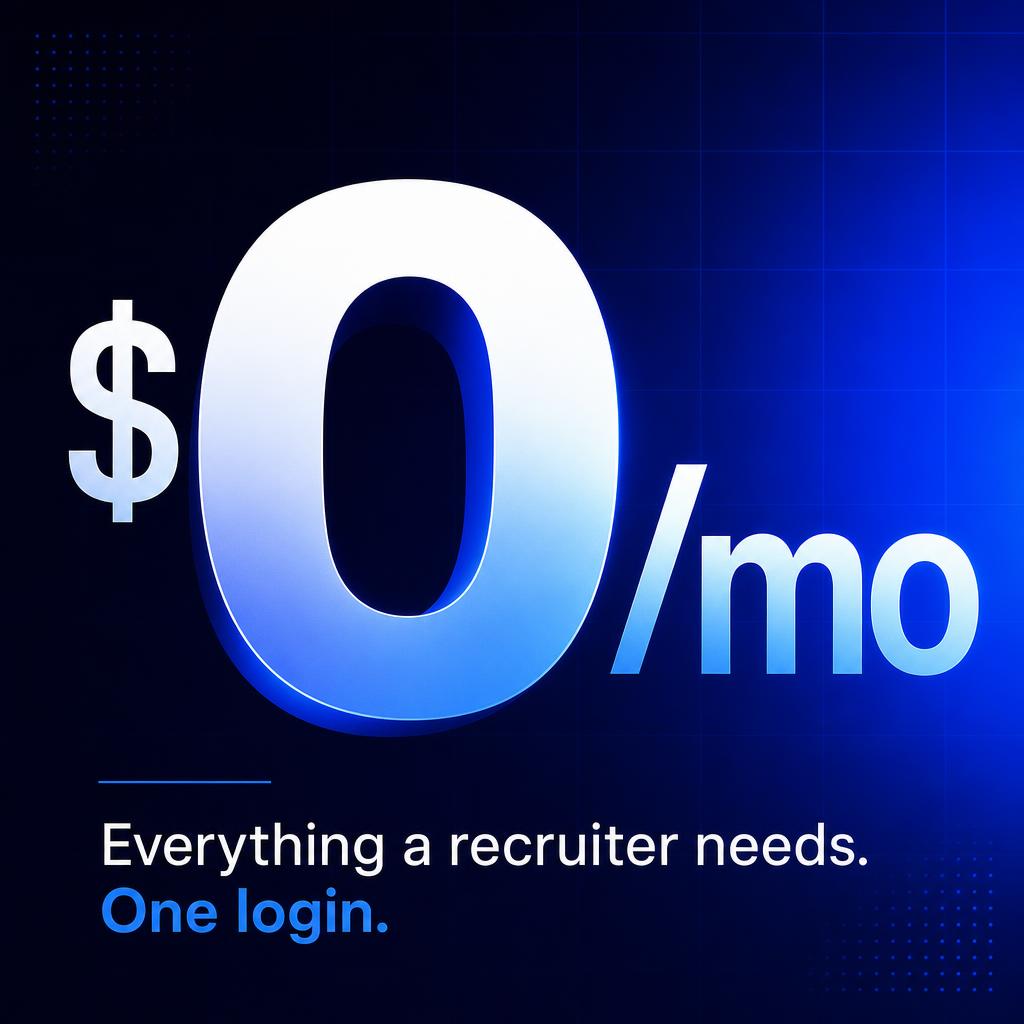
Now $0 per seat
A single recruiter running a normal hiring pipeline in 2026 typically stitches together four subscriptions. Connecting Odds replaces the parts of each one that actually get used every day, sourcing, messaging, video interviews, and scheduling, in one login.
Savings math assumes one recruiter seat at each vendor's July 2026 published list price. Team and enterprise plans scale the difference, three seats crosses $7,000 a year on the old stack.
Frequently asked
Questions we get before people switch
Real questions from recruiters, founders, and job seekers comparing Connecting Odds to their current stack - answered without the marketing gloss.
Do I still need Calendly if I use Connecting Odds?
No. Booking a meeting takes a username, a time, and a duration, that's it. The other person gets an in-app request, an ICS invite in their timezone, and a reminder before it starts. Nothing external to configure.
How does Connecting Odds handle scheduling conflicts?
When your chosen slot overlaps another meeting on your calendar, we flag the exact conflict and suggest two or three alternative times based on your duration, with the reason each slot is actually free. No back-and-forth email threads.
Do meeting invites match my device timezone?
Yes. The downloaded ICS file carries an X-WR-TIMEZONE header and DST-aware local labels, so what your attendee sees in Outlook, Apple Calendar, or Google Calendar matches what the page shows you.
Will my calendar stay in sync across tabs and devices?
The /calendar view updates in real time. Schedule a meeting on your phone and any open tab reflects it within a second, same for reschedules and cancellations. No manual refresh.
Can I mute meeting reminders or per-conversation notifications?
Yes. Global notification preferences and per-conversation mute both apply to meetings, reminders, reschedules, cancellations, and message alerts all respect the toggles you set.
Do I have to pay for voice or video calls?
No. Voice and video are built in for anyone you're connected with. There is no per-seat cost and no separate Zoom or Meet link, the call happens inside the same window as your conversation.
How is this different from LinkedIn for recruiters?
LinkedIn charges per seat for messaging, then you still pay Zoom, Calendly, and Google Calendar to run interviews. Connecting Odds bundles sourcing, messaging, booking, video, and calendar sync, the four things a recruiter opens every day, into one $0 login.
Does the free plan really include booking and calls?
Yes. Every account gets the calendar, meeting scheduler, voice + video calls, and in-app messaging with no upgrade prompt. Paid plans are for company pages and premium job posts, never for the core scheduling stack.
Try the scheduling flow in under a minute
Pick a connection, pick a time, pick voice or video. We'll handle the invite, the timezone, and the reminders.
Every comparison page on this site follows the same structure. We pick the dimensions that actually matter for a working professional, feed model, messaging, pricing, jobs, recruiter tools, privacy, and indexability, and score both products honestly on each one. Where the competitor genuinely wins, we say so. Where Connecting Odds wins, we link to the specific feature page so you can verify the claim yourself.
The competitors below cover the four jobs people use Connecting Odds for: networking, job search, recruiting, and company-page presence. If you're picking a tool for one of those jobs, jump straight to the relevant comparison. If you're picking for several, the breakdowns make it easier to spot which tradeoffs matter most to you.
Quick guide to which page to read
vs LinkedIn, the most-asked comparison. Feed model, InMail vs free messaging, recruiter pricing, public profile control.
vs Indeed / ZipRecruiter, picking a place to post or apply to jobs, where the candidate experience really lives.
vs Glassdoor, company pages, employer brand, and what an organization controls about its own page.
vs XING, DACH-region professional networking and the German-language job market.
vs Meetup, local community, groups, and the social side of a professional network.
What's not on this list
We deliberately don't compare against generic social networks (Twitter/X, Threads, Bluesky) because they aren't built for careers. We also don't compare against pure ATS products like Greenhouse or Lever, Connecting Odds is a sourcing surface and a candidate experience, not a back-office ATS. If you want both, the Company plan includes ATS exports so you can keep your existing system as the system of record.
Still deciding?
Read the features page for the full product walkthrough, the pricing page for what each plan costs, and the FAQ for the everyday questions we get most often. Then create a free account and try the product end-to-end, the comparison pages are useful, but ten minutes inside the app is a better signal.